Inforolot

Best monitors for businesses
Options and formats

Share:

This article aims to clear up doubts regarding the choice of formats, sizes and types of monitors for offices and companies. Our opinion as experts.

First of all, bigger is better

We think that large screens, with a large surface, and high resolution, in general, will always be better in terms of productivity and help to work quickly and smoothly. In this way, you can have several program windows open at the same time, something that traditionally was not done due to lack of space, and still in many cases, with older and smaller screens, is still not done.

panel type

There are different PC monitor panels, with different strengths and weaknesses, which will be more or less appropriate depending on the use that you want to give it. Those are the main ones:
  • IPS LCD panel: The most appropriate for companies and office work, thanks to its image quality that is pleasing to the eye, without too high contrasts, which allow prolonged use without much eye strain. And also thanks to their realistic colors they are highly recommended for graphic design.
  • VA LCD panel: Panel that usually has high contrast and a very vivid type of image, recommended for multimedia and gaming.
  • OLED panel: Organic LED panel, the one with the highest contrast, also recommended for multimedia and gaming.
  • TN panel: slightly older and generally cheaper LCD technology, for those who want to spend less money. It has the best time response, but it also has the worst contrasts, colors and viewing angles.
So, for us the conclusion is obvious: choose the type of IPS panel.

Resolution options

We are going to start with the current minimum standard and no less.

  • Full HD or 1080p resolution. It’s been the standard for the last 10 years pretty much, and we think it’s starting to stick a bit, unless you go for the double option, which we’ll talk about later. The typical size that is usually ordered is 24 inches.
  • Quad HD resolution, 1440p or sometimes also called 2k. We believe that it will become the de facto standard in the short term. Most people when they try and get used to a 1440p, then a 1080 falls short. The typical and most common size for that resolution is 27 inches.
  • UHD resolution, 2160p, or 4k: It is a current standard in large televisions, but it is still early days for monitors, although it is becoming more common. Being a very high resolution, it has some drawbacks, the main one being that everything looks very small, unless you choose a very large monitor. The typical size to buy is 32 inches, which is starting to get quite large, and even then, items on the desktop look small, and you may also have to tilt your head a bit too much to see the upper and lower elements.
  • WQHD screens and elongated formats: They are usually an option with a lack of standardization, a lot of disparity and a variety of sizes and formats, and thus they have not become very popular in any aspect. And they are usually expensive.

Double screen

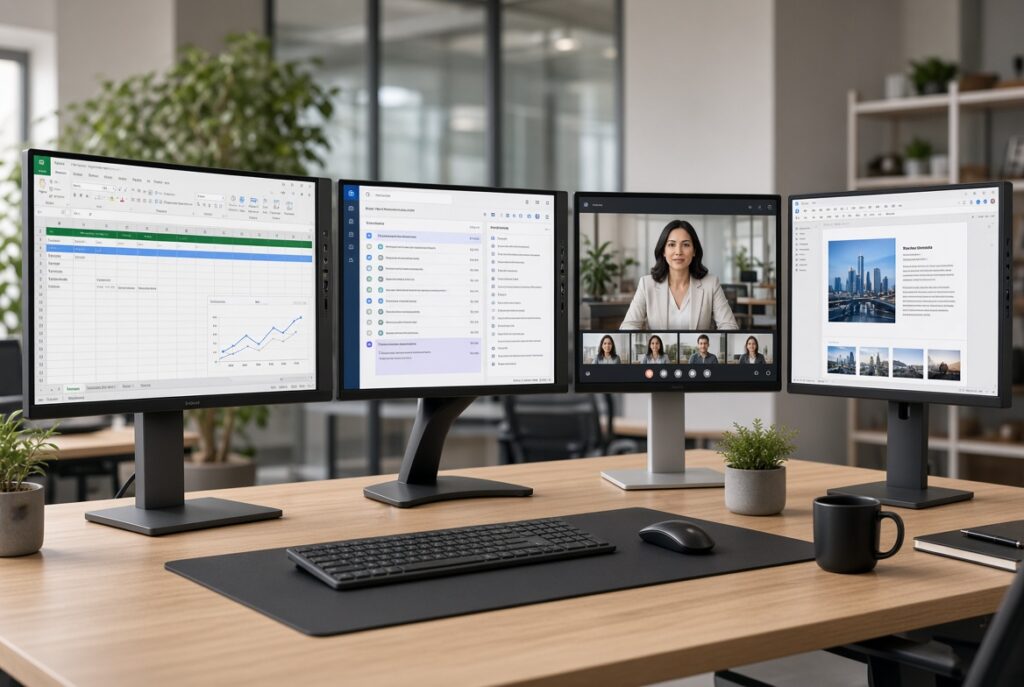
Many businesses choose to put up a dual display to give twice the work space of a typical standard 1080 monitor. In the vast majority of cases this is usually the case, two Full HD screens, which is usually a much cheaper option than long format screens.

Conclusion

For us the best format currently for a single monitor is 27″ 1440p. Those have always been quite a bit more expensive than 24″ 1080p but now they have slowly gone downhill and are currently relatively close in price.

And for two, it is usually logical to have two 1080p 24’s, so that the price does not skyrocket.

BUT… if money doesn’t prevent it, and as long as, we repeat, it’s to work in the office: Choose two 1440p 27″ on each side. That way you get everything: Very high resolution, without seeing elements that are too small and without having to zoom up and down excessively.
best business monitors
Inforolot
Privacy summary

This website uses cookies so we can offer you the best possible user experience. The cookie information is stored in your browser and servers several purposes, like recognise you when you come back to visit us again, or help our team see which parts of our site are the most interesting and useful.