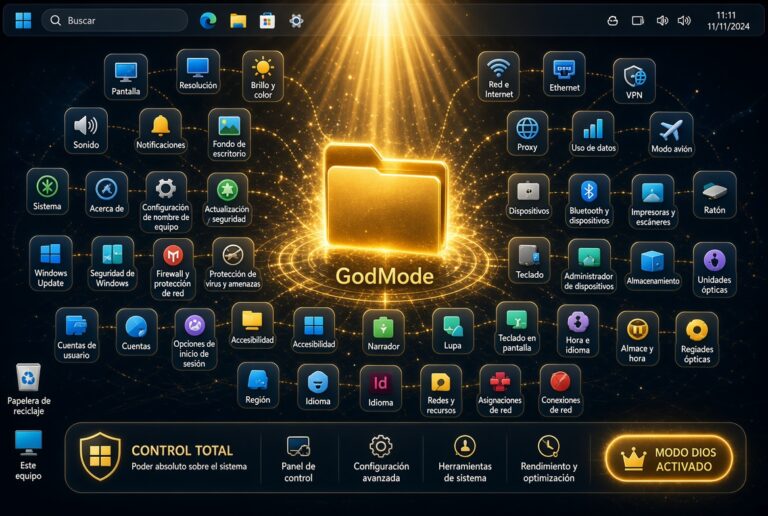
“God Mode” in Microsoft Windows is a curious and “secret” feature that groups all system settings together. It works on Windows 10 and 11.
One of the flaws that many Windows experts will tell you is its huge number of settings, and the fact that they are not all unified in the same place, but many are scattered in many places and corners of the system. Sometimes it’s a headache to remember where a particular setting is.
All that fuss of settings, basic and advanced, can be grouped very easily and very quickly, fine-tuning the “GOD MODE” of Windows, both for 10 and 11. A very simple trick but that does everything automatically.
It is as simple as creating a new folder wherever you want, and typing the following name:
GodMode. ED7BA470-8E54-465E-825C-99712043E01C
(Better do copy and paste!)
And automatically you have already created your “god mode panel” to access all the settings. A total of up to 203 different settings.
Windows also gives you the option to make smaller and more specific groupings, like the following:
Now you can have everything under control in one place and without going crazy to find the settings. Enjoy!